
How to write homepage copy for small businesses

Your homepage has roughly five seconds to convince a visitor they’re in the right place. Most small businesses waste those seconds on vague taglines, a list of services nobody asked for, and a “Contact Us” button that inspires nobody. Learning to write homepage copy for your small business, what professional copywriters call conversion copywriting, is one of the highest-return skills you can develop. This guide walks you through the full process: what your homepage must achieve, how to prepare before you write a single word, how to draft each section, and how to test it before it goes live.
Table of Contents
- Key takeaways
- Write homepage copy small business owners can actually use
- Preparation: do this before you write a word
- Crafting each section of your homepage
- Verifying and refining your copy
- My honest take on homepage copy
- How Offandonwebdesign can help
- FAQ
Key takeaways
| Point | Details |
|---|---|
| Answer four questions fast | Your homepage must tell visitors what you do, who you serve, why to trust you, and what to do next. |
| Prepare before you write | A short positioning document written before drafting prevents vague, generic copy. |
| Headlines focus on outcomes | Write headlines around the customer’s result, not your business description. |
| Social proof placement matters | Testimonials placed near your call to action can significantly lift conversion rates. |
| Test with the 5-second rule | Show your homepage to a stranger for five seconds; if they cannot explain your offer, rewrite it. |
Write homepage copy small business owners can actually use
The first thing to understand is what your homepage is not. It is not a company brochure. It is not the place to list every service you offer, explain your founding story, or demonstrate your industry knowledge. Treating your homepage as a brochure rather than a signpost is the single most common mistake small business owners make, and it quietly kills conversions every day.
What your homepage is is a signpost. Its job is to confirm to the right visitor that they are in the right place, and then point them towards the next step. That is it.
To do that job well, your homepage content for small business needs to answer four questions within the first scroll:
- What does this business do? State it plainly. Not “we provide solutions,” but “we fit and repair boilers in South Wales.”
- Who is this for? Be specific. “For homeowners in Monmouth and the surrounding area” beats “for everyone.”
- Why should I trust you? A testimonial, a number of completed jobs, a recognisable logo. One proof point is enough at this stage.
- What do I do next? One clear call to action. Not three. One.
Homepage copy that answers these questions quickly improves navigation and conversion because visitors stop guessing and start acting. The copy should speak to the customer’s situation, not celebrate the business. “Tired of waiting days for a plumber?” lands harder than “We are a family-run plumbing company established in 2003.”
Pro Tip: Read your current homepage and count how many sentences start with “We.” Every “We” is a missed opportunity to speak directly to your visitor’s problem.
Preparation: do this before you write a word
Skipping preparation is why so much small business web copy ends up sounding identical. “Professional. Reliable. Affordable.” could describe any business in any town. Specificity is what makes copy memorable and trustworthy, and specificity comes from doing the thinking before you open a blank document.
A positioning-first workflow of around 30 minutes spent answering five key questions dramatically improves the clarity and effectiveness of your homepage copy. Here is the process:
- Define your customer precisely. Not “small businesses” but “sole traders in the trades sector who have no time to manage their own social media.”
- Name their core problem. What keeps them up at night? What have they tried that has not worked?
- Describe their desired outcome. Not the service you provide, but the life they want after using it.
- List the alternatives they have considered. Doing it themselves, hiring a freelancer, doing nothing. Knowing this shapes your differentiation.
- Identify one real proof point. A specific result, a client name with permission, a number. “Helped 47 local tradespeople get their first enquiry within two weeks” is worth ten generic testimonials.
Write these answers into a short positioning document, even if it is just a notes file on your phone. This document becomes the source of truth for every sentence you write. It also means that if you use an AI tool to generate a first draft, positioning inputs enable AI tools to produce far stronger, more specific copy than a vague prompt ever could.
Pro Tip: Spend ten minutes reading the Google reviews of your three closest competitors. The language customers use to praise or criticise them is the language your copy should speak.
Crafting each section of your homepage
With your positioning document ready, you can write each homepage section with a clear purpose. Here is how to approach the key sections.

The headline
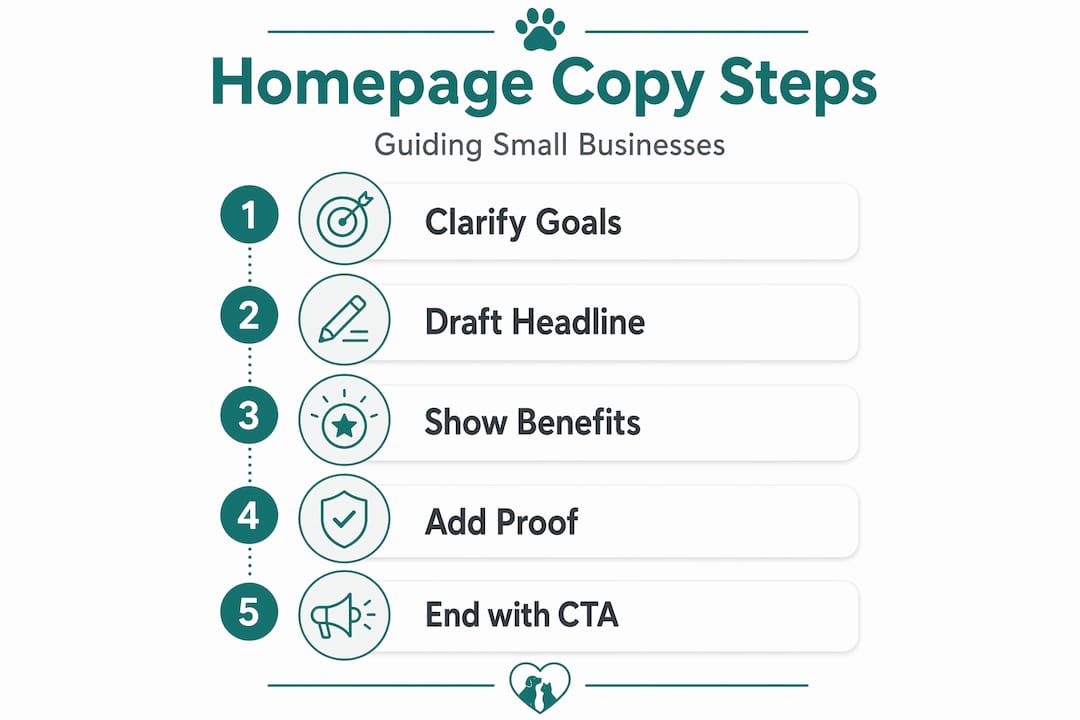
Your headline is the most important sentence on the page. Strong homepage headlines communicate what you do, who you do it for, and why it matters in fewer than 10 words, focusing on the customer’s outcome rather than the business’s identity.
A weak headline: “Welcome to Greenfield Landscaping Services.” A strong headline: “Beautiful gardens in Hereford, without the weekend work.”
The formula is simple: outcome + location or audience + relief from pain. You do not need all three elements in every headline, but you need at least one of them to be about the customer.
The subheadline
The subheadline expands on the promise. Aim for under 20 words. It should clarify who you serve and what you specifically offer. “We design and maintain residential gardens across Herefordshire, so you can enjoy your outdoor space without lifting a spade” does exactly that.
Social proof placement
Most small businesses put testimonials at the bottom of the page, where almost nobody reads them. Placing social proof near your primary call to action is one of the most impactful changes you can make. One case study found conversion increased by 68% simply by moving testimonials adjacent to the CTA button. A single five-star quote, a recognisable client logo, or a stat like “over 200 jobs completed” placed right above or below your button does the trust-building work at exactly the moment a visitor is deciding whether to act.
Benefits, not features
Below your hero section, list three benefits. Not features, benefits. The difference matters enormously.
| Feature | Benefit |
|---|---|
| “We use premium materials” | “Your garden stays looking great for longer, with less maintenance” |
| “15 years of experience” | “You get a result that works first time, with no costly mistakes” |
| “Free initial consultation” | “You know exactly what you’re getting before spending a penny” |
Each benefit should have a short headline (four to six words) and one sentence of explanation. Keep it tight. Visitors scan before they read.
Calls to action
Generic CTAs destroy conversions. CTAs like “Contact us” convert poorly compared to specific, outcome-focused alternatives. Write your CTA as action plus result. “Book a free garden consultation” tells the visitor exactly what they will do and what they will get. “Get your free quote today” is better than “Submit.” “See how we work” beats “Learn more.”
You should have one primary CTA above the fold and the same CTA repeated after your benefits section. Do not offer five different buttons and hope visitors choose one. Clarity wins.
Verifying and refining your copy
Writing a first draft is only half the job. Before your copy goes live, run it through these checks.
- The 5-second test. Show your homepage to someone who does not know your business. After five seconds, ask them: what does this company do, who is it for, and what should you do next? Failing this test signals a clarity problem in your copy or design. If they hesitate, rewrite your headline.
- Read it aloud. If you stumble over a sentence, your visitor will too. Reading aloud catches jargon, clunky phrasing, and sentences that are technically correct but feel unnatural. Aim for the tone you would use explaining your business to a friend at a networking event.
- Check it on mobile. Most of your visitors will read your homepage on a phone. View it on yours. Long paragraphs become walls of text on a small screen. Break them up. Short sentences and clear spacing are not just stylistic choices; they are conversion decisions.
- The competitor substitution test. Replace your business name with a competitor’s. If the copy still makes sense, it is too generic. Your homepage should describe something only you can offer, whether that is your location, your method, your guarantee, or your specific experience.
- Edit AI drafts rigorously. If you used an AI tool to generate a first draft, editing AI-generated copy with specific details and an authentic voice is a non-optional step. Add real names, real numbers, and real scenarios. Remove any sentence that sounds like it could have been written by a robot, because it probably was.
Pro Tip: After editing, paste your homepage copy into a readability tool. Aim for a reading age of around 12 to 14 years. If your copy scores higher, simplify it.
My honest take on homepage copy
I’ve worked with enough small business websites to say this plainly: most homepage copy problems are not writing problems. They are thinking problems. The business owner has not yet decided who they are really for, what they are really selling, or why someone should genuinely choose them over the alternative.
What I’ve found is that when a business owner sits down with the five positioning questions and answers them honestly, the copy almost writes itself. The headline appears. The benefit statements become obvious. The CTA feels natural. The writing is the easy part. The clarity is the hard part.
I’ve also seen what happens when copywriting is treated as an afterthought in a web design project. The designer builds something beautiful, then the client drops in placeholder copy at the last minute, and the whole thing falls flat. Copy and design need to develop together. The words shape the layout, not the other way around.
My strongest advice: do not try to sound impressive. Try to sound clear. Impressive copy that confuses people converts at zero. Clear copy that speaks directly to a real problem converts consistently. Every time I’ve pushed a client towards specificity and away from corporate-sounding language, the results have improved.
— Scott
How Offandonwebdesign can help
If this process feels like a lot to manage alongside running your business, you are not alone. At Offandonwebdesign, we work with small businesses to develop homepage copy and web design together from the start, so neither element undermines the other. We help you work through the positioning questions, write copy that speaks to your actual customers, and build it into a fast, mobile-first website that gets found.
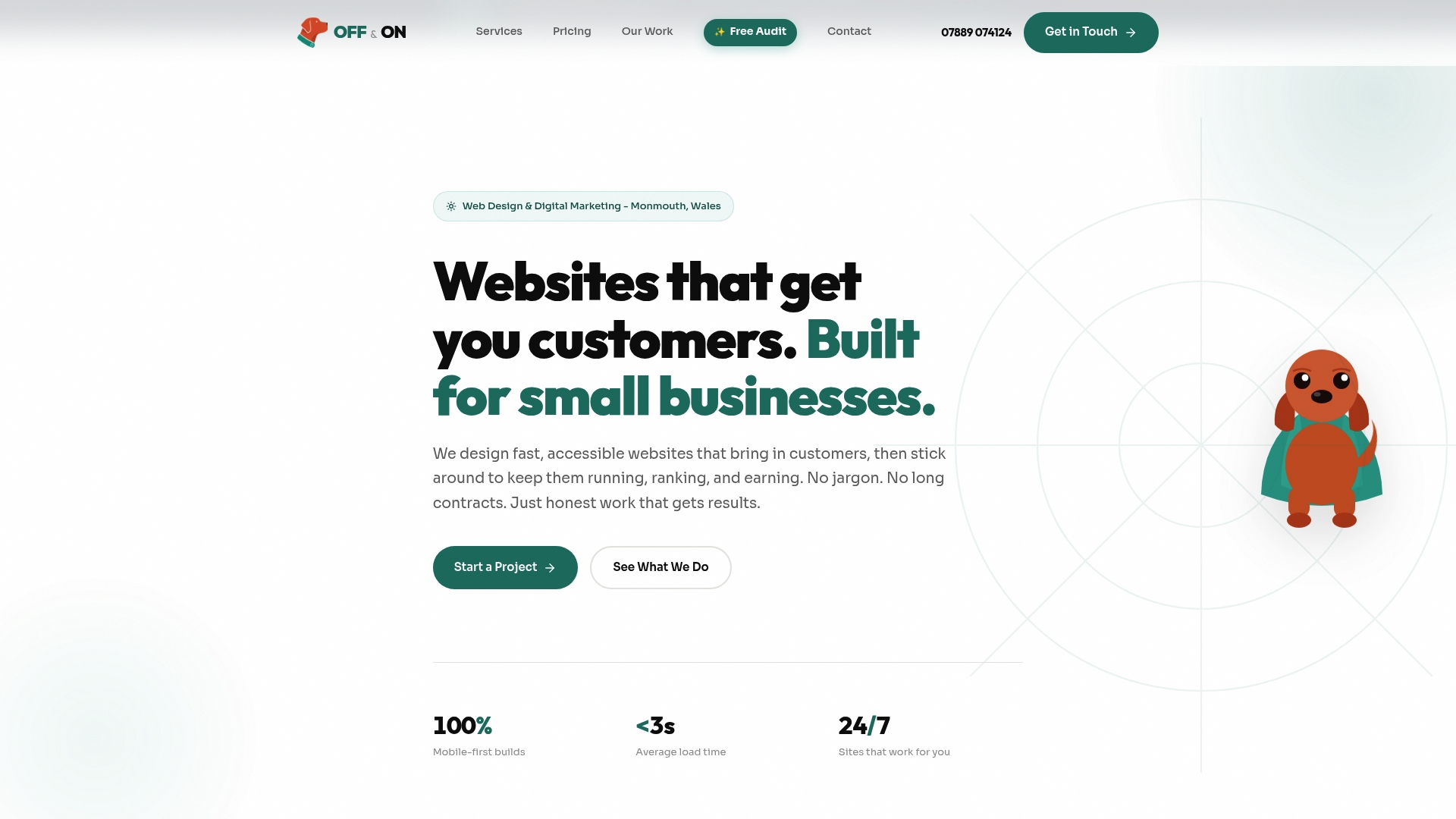
You can browse our completed projects to see how copy and design come together in practice, or check our web design pricing to understand what a professionally written and designed homepage costs. No long-term contracts, no hidden fees. Just a website that works.
FAQ
What should a small business homepage say?
A small business homepage should answer four questions: what you do, who you serve, why visitors should trust you, and what they should do next. Keep it focused on confirming visitor fit and directing them to a clear next step.
How long should homepage copy be?
There is no fixed word count, but brevity wins. Your headline should be under 10 words, your subheadline under 20, and each benefit description under 30. Visitors scan before they read, so every section should be shorter than you think it needs to be.
How do I write a homepage headline that converts?
Write your headline around the customer’s outcome, not your business description. Strong headlines communicate what you do, who it is for, and why it matters in under 10 words. Test it with the 5-second rule before publishing.
Where should I put testimonials on my homepage?
Place testimonials directly adjacent to your primary call to action rather than at the bottom of the page. Social proof near CTAs builds trust at the exact moment a visitor is deciding whether to act, which is when it matters most.
Can I use AI to write my homepage copy?
Yes, but treat any AI output as a first draft only. Feed it your positioning document for better results, then edit the draft to add specific details, real numbers, and your own voice. The human editing pass is what separates effective copy from generic filler.